AVAILABLE NOW · UNITY & BLENDER
Model Vista Create
Put the choices inside the model. Prepare portable GLB+ assets that carry configurations, animations, cameras, and context.
Request a demo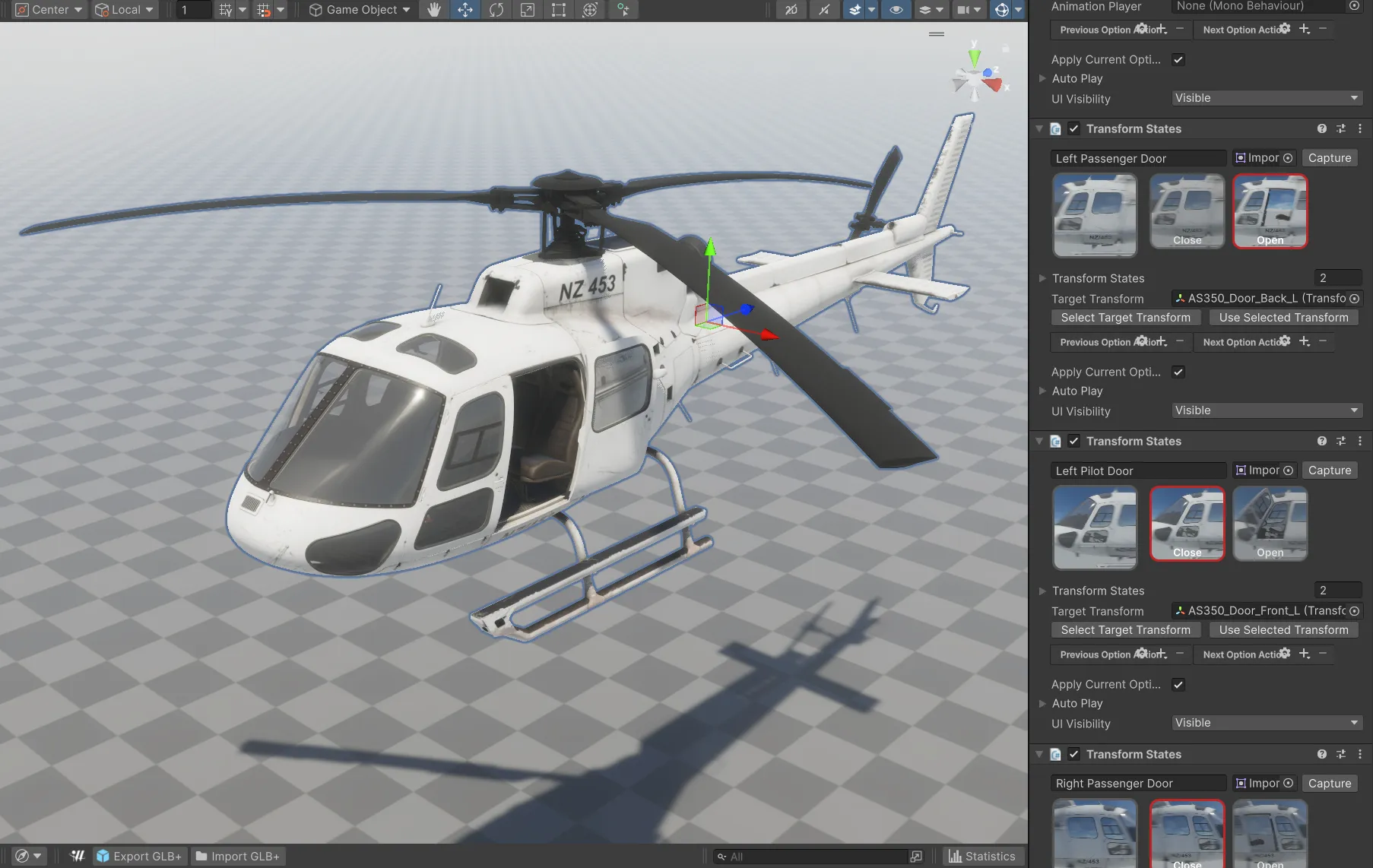
Built around your workflow.
Unity 6: full Model Vista States authoring and GLB+ import/export.
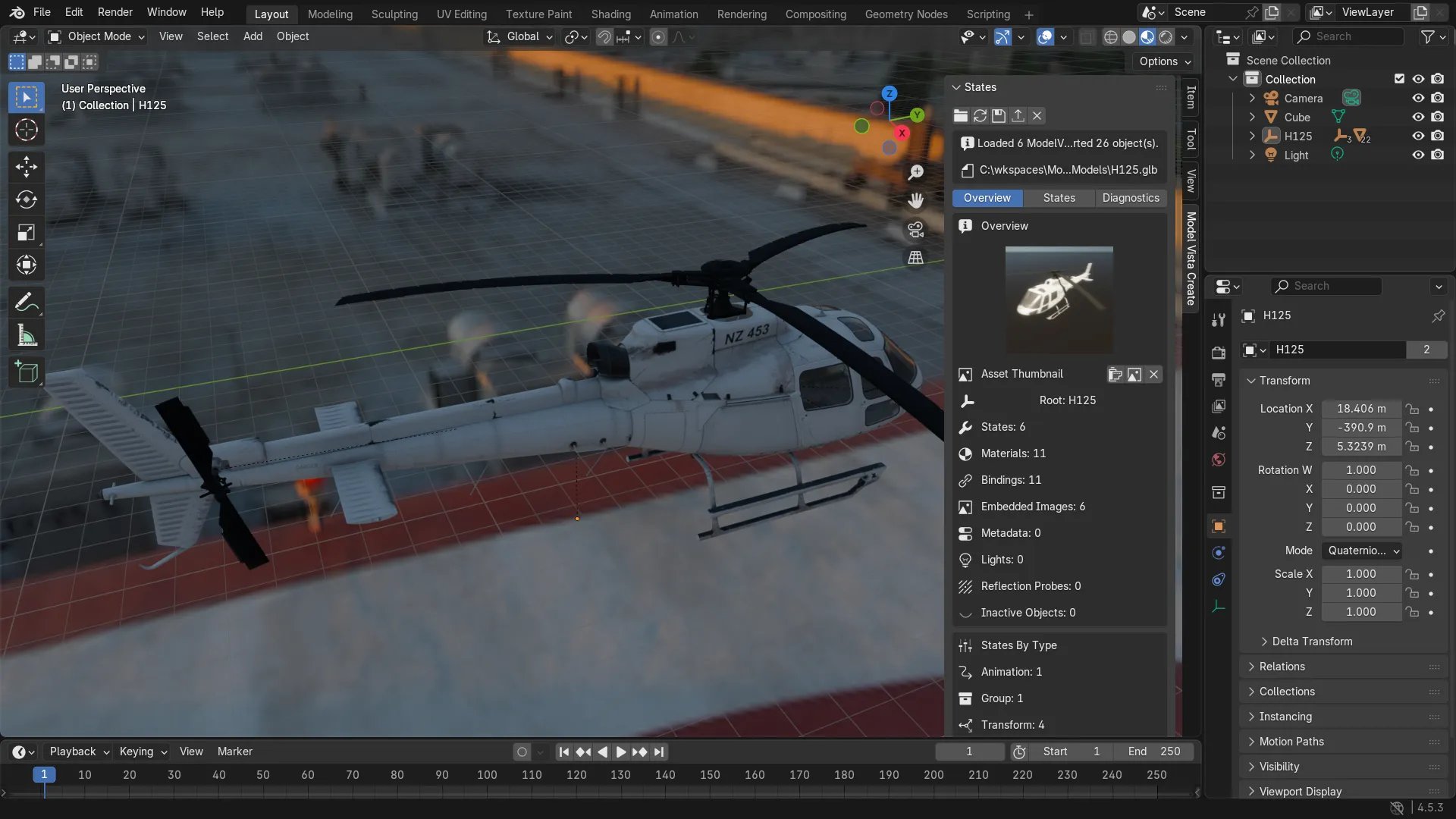
Blender tools for working with models, States, and GLB+ assets.
Create for Unreal and Create Standalone: coming soon.
WHAT ARE STATES?
One model. Multiple configurations.
States are named options you prepare for a model. Define door positions, materials, camera views, or lighting setups, then switch between them during a review or presentation. Group States can change several settings together.
WHAT IS GLB+?
Carry the choices with the model.
GLB+ extends a GLB model with Model Vista data. Export your model together with its configurable options and States so compatible Model Vista tools can use the experience you prepared.
- 01Prepare the model
- 02Define its States
- 03Export as GLB+
- 04Review & present