Unity & Blender
For DCC tools
Author States and prepare GLB+ assets inside your existing 3D workflow.
Explore DCC tools
PRODUCTS / MODEL VISTA
Create interactive 3D assets in your DCC tools or browser. Explore and present them with Model Vista on desktop, in XR, or on the web.
Choose your experience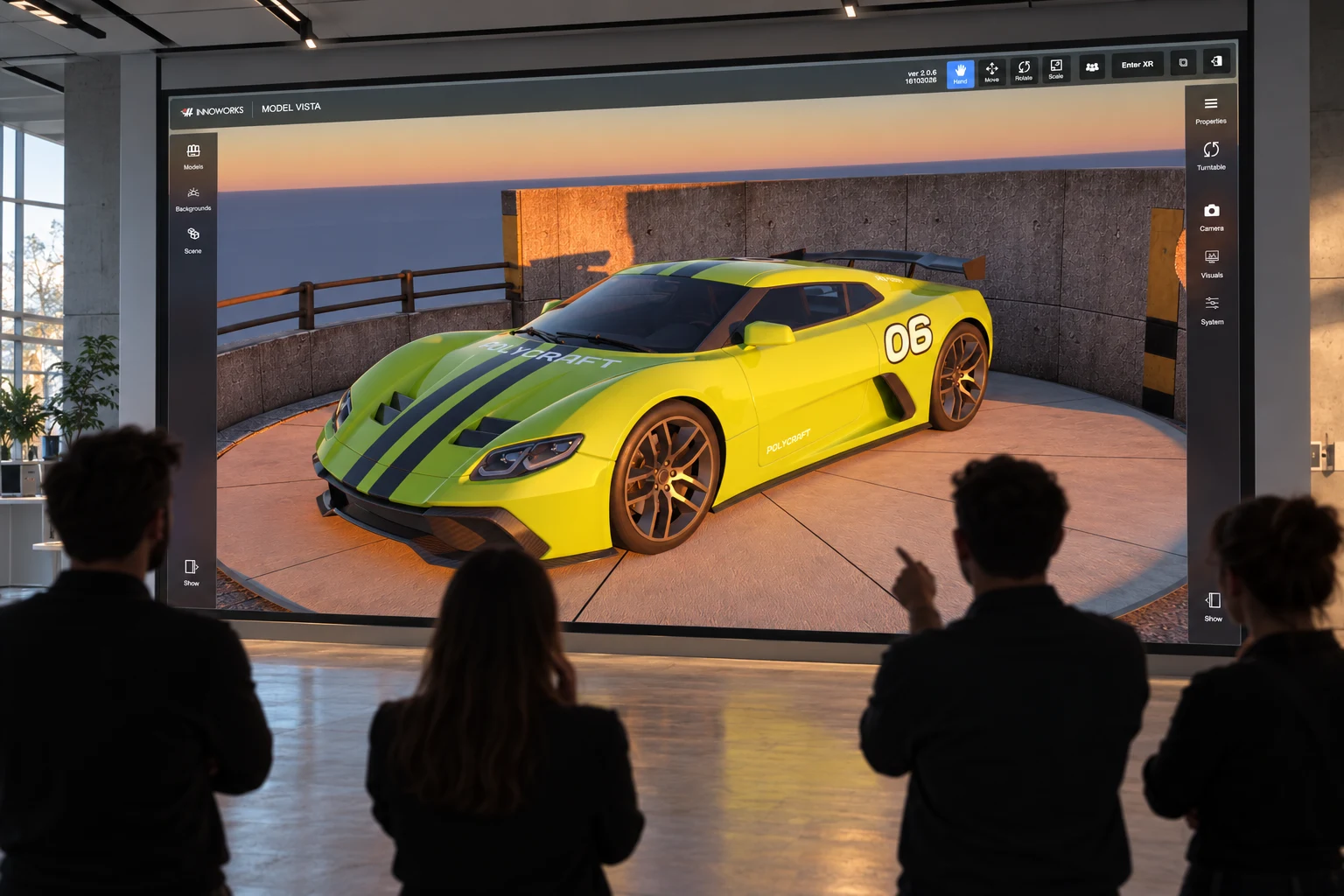
The Model Vista family.
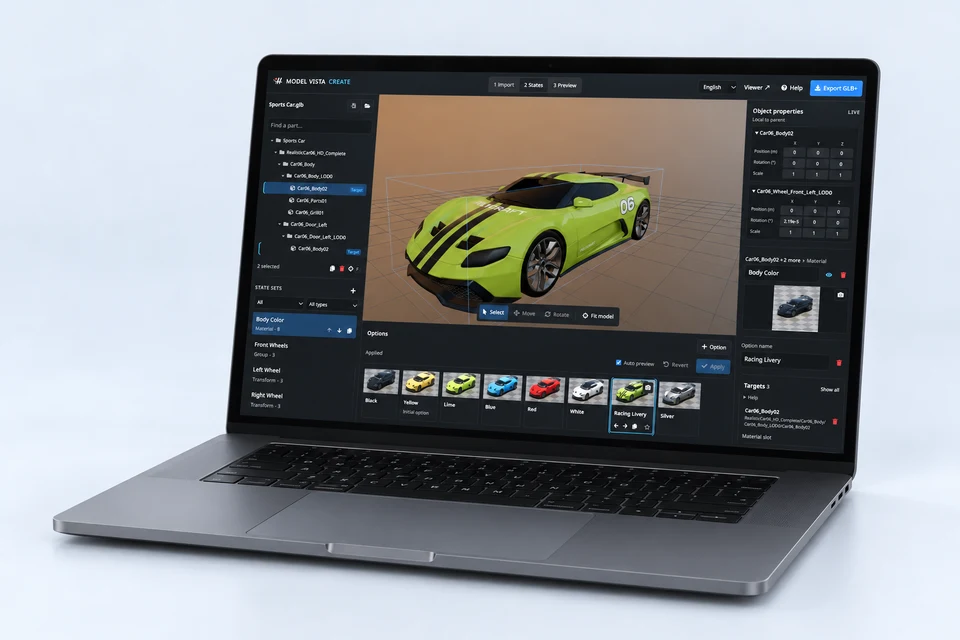
CREATE
Build the possibilities into your model.
VIEW & REVIEW
Explore the model. Share the understanding.
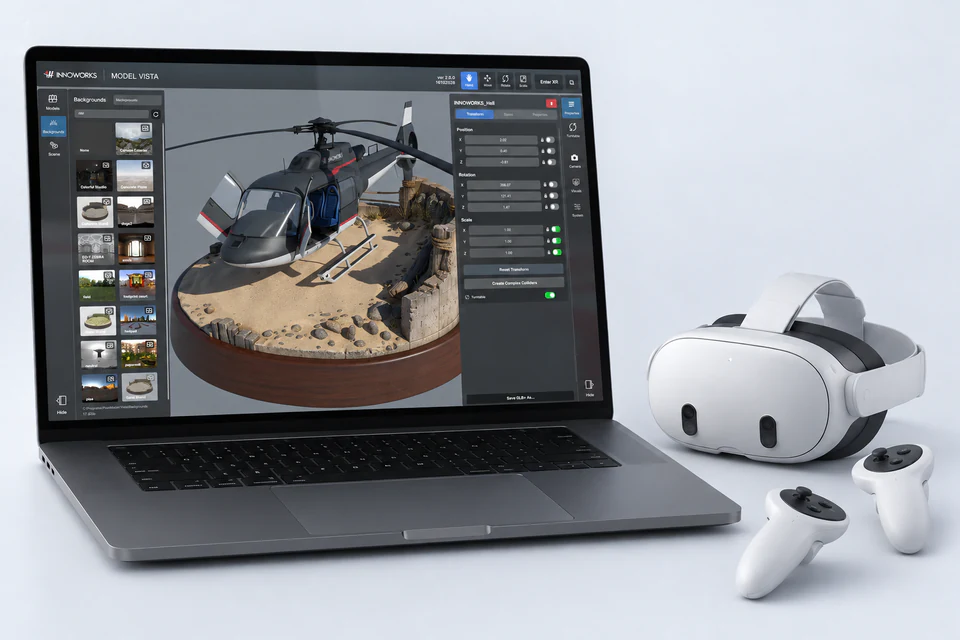
GLB+One model, with its choices built in. Move from creation to review with your prepared States. Explore States and GLB+ →
HEADSET APPS
Explore Model Vista on Meta Quest. See the store listing for current features and compatibility.
View on Meta Horizon StoreExplore Model Vista on Apple Vision Pro. See the store listing for current features and compatibility.
View on App StoreGLB+
Keep States, material choices, animations, cameras, and metadata with your model. Less rebuilding between authoring, review, and presentation. Standard GLB and glTF content works too.
Explore States and GLB+